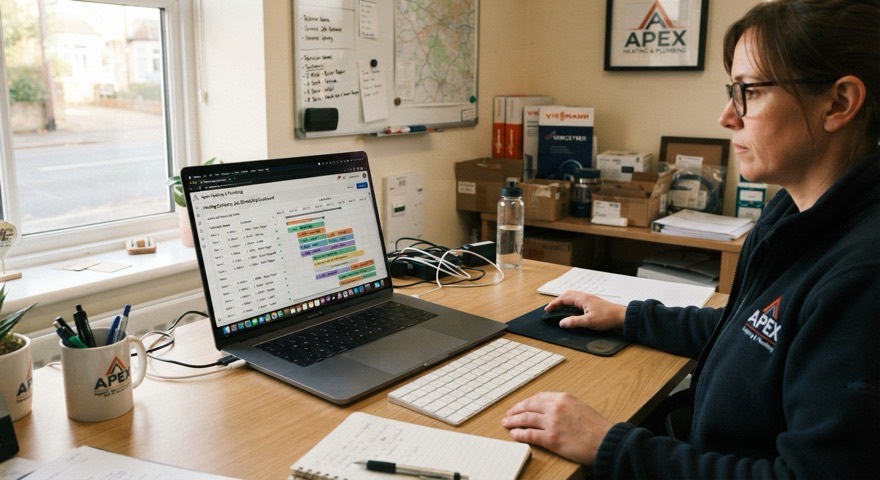
Office
Manager
Runs in the browser. Offers, the day’s board, your engineers, every report. Nothing to install.
For trades firms and their engineers
PlusHeat sends you the work, books it in, and files the paperwork. Two apps do it — one for the office, one for the van.
Free for PlusHeat engineers · iPhone and Android · Gas records signed on the phone
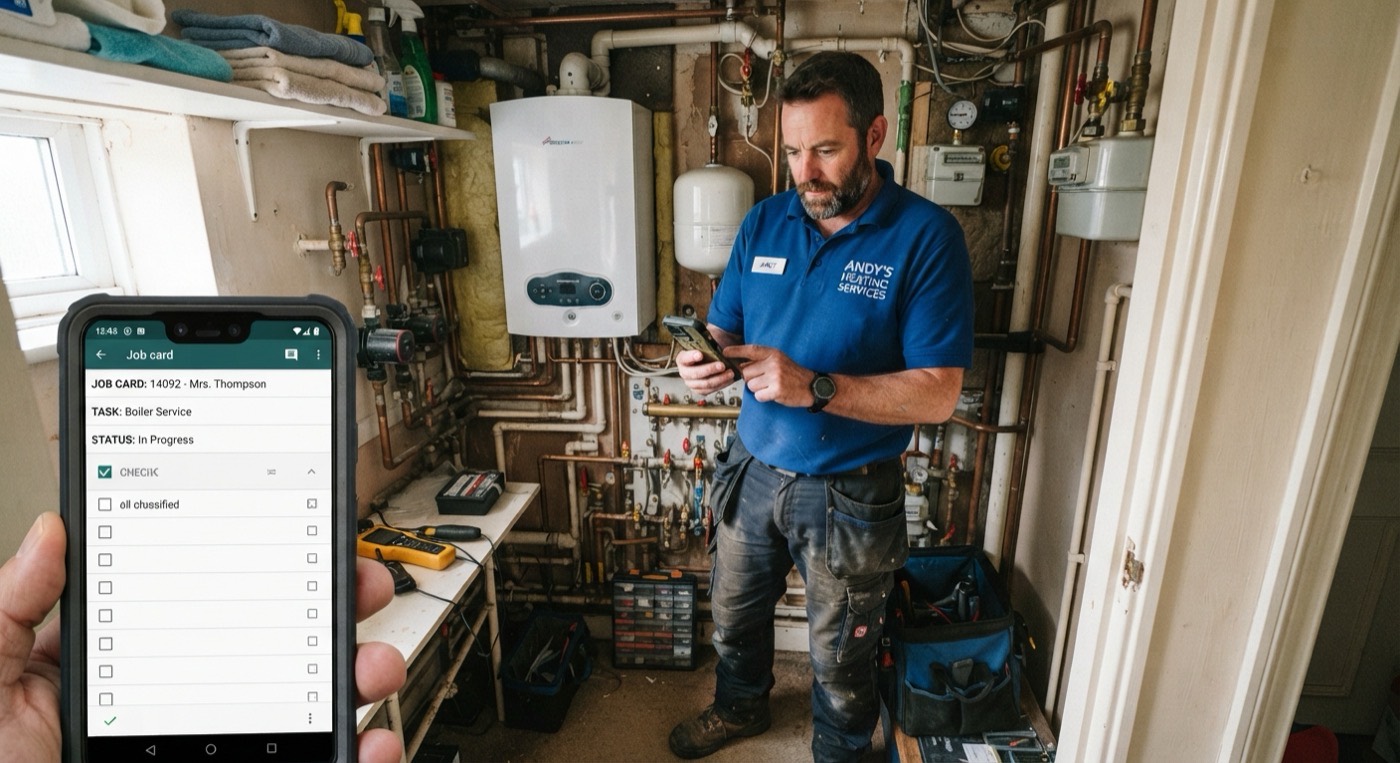
Nobody has to ring anyone to find out what is happening.
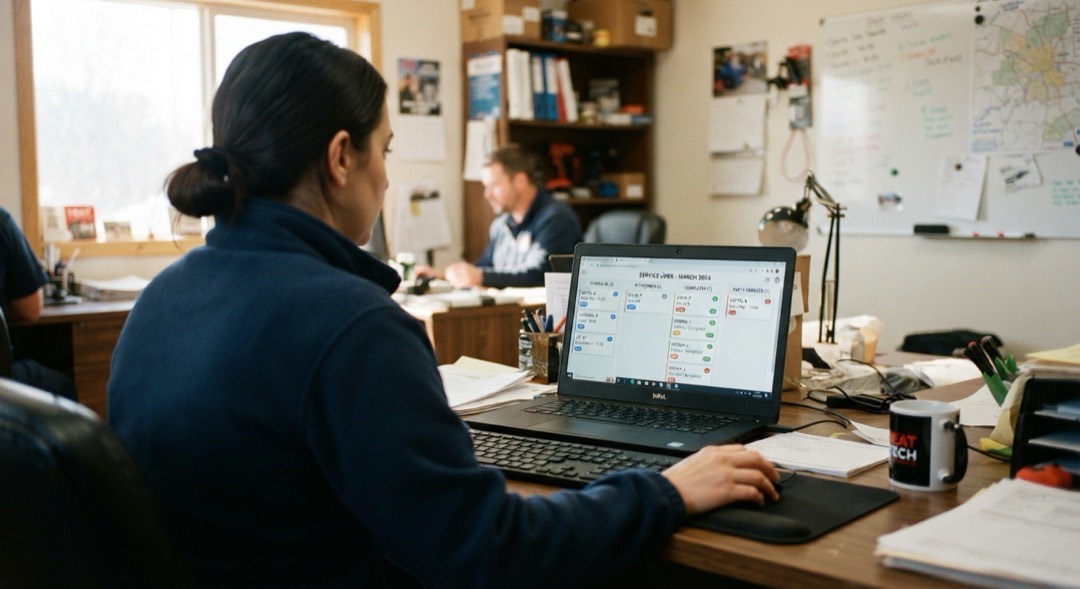
Office
Runs in the browser. Offers, the day’s board, your engineers, every report. Nothing to install.
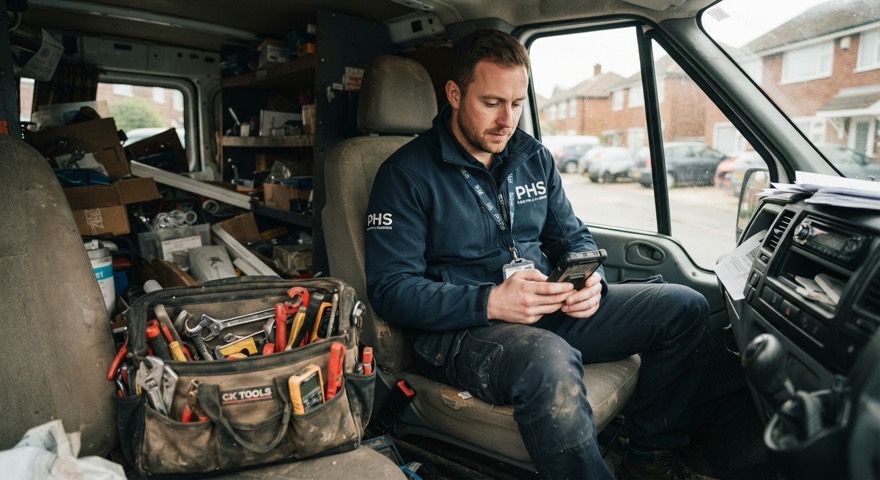
Van
iPhone and Android. The visit, the photos, the quote and the gas record — finished before you leave the drive.

Customer
A link, no app and no login. They see you on the way, arrived, and finished.
A customer books a repair or a service with PlusHeat. We already hold the address, the fault and what their cover pays for.
We match the postcode and the trade, then offer the job to firms who cover that area. The offer arrives as a notification and a text.
Take the job by choosing a date, or pass it. If nobody answers within the hour, the job moves on to the next firm.
You assign it from your roster. It appears on their phone with the address, the map and the customer’s number.
Report, photos, quote and gas record reach the office the moment the engineer signs off. The customer gets their copy at the same time.
The Manager app · in your browser
Open it on the laptop or the phone. Sign in with your work email — a six-digit code arrives and lasts ten minutes. No password to forget.
Offers
The job, the postcode and a clock. Pick a date to accept it. Press pass and it goes straight to the next firm.
The board
Scheduled — who is going and when.
Unassigned — needs an engineer.
Actions required — needs you.
With PlusHeat — nothing to do.
Actions required
Quote needed, approved, paid. Recall. No access. No engineer. Each job shows the one button that clears it.
Assign
Pick an engineer from your roster. The job lands on their phone straight away.
Search
One shortcut opens search. Job number, customer, postcode or engineer.
Your team
A name and a mobile number. Add an engineer in ten seconds. Remove them just as fast.
Books
Everything your engineers filed and every purchase order raised, newest first, ready to open.
Alerts
Turn on notifications and a new offer reaches the laptop or the phone, even with the tab shut.
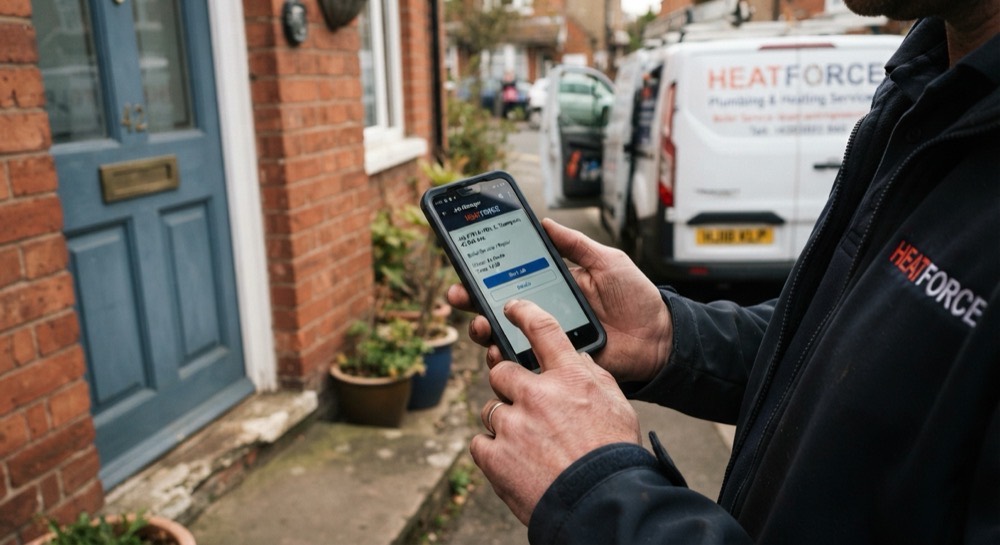
PlusHeat Engineer · iPhone and Android
Work arrives already assigned. No bidding, no fastest finger. Open the app and today’s jobs are there in order.
The visit, step by step
Your email, then a six-digit code. First time only, you set your trade and your details.
Each job shows the customer, the address and the booking window.
A map of the door you are looking for. One tap to navigate, one tap to call.
The customer’s tracking page comes alive with your position and an ETA. They stop ringing the office.
Marks you arrived and starts the on-site timer. The office and customer both see it.
Stop the timer, then pick what happened — sorted, parts needed, quote needed, or nobody home.
The fault, what you did, before and after photos, and a short clip if needed. The right questions are already on the form.
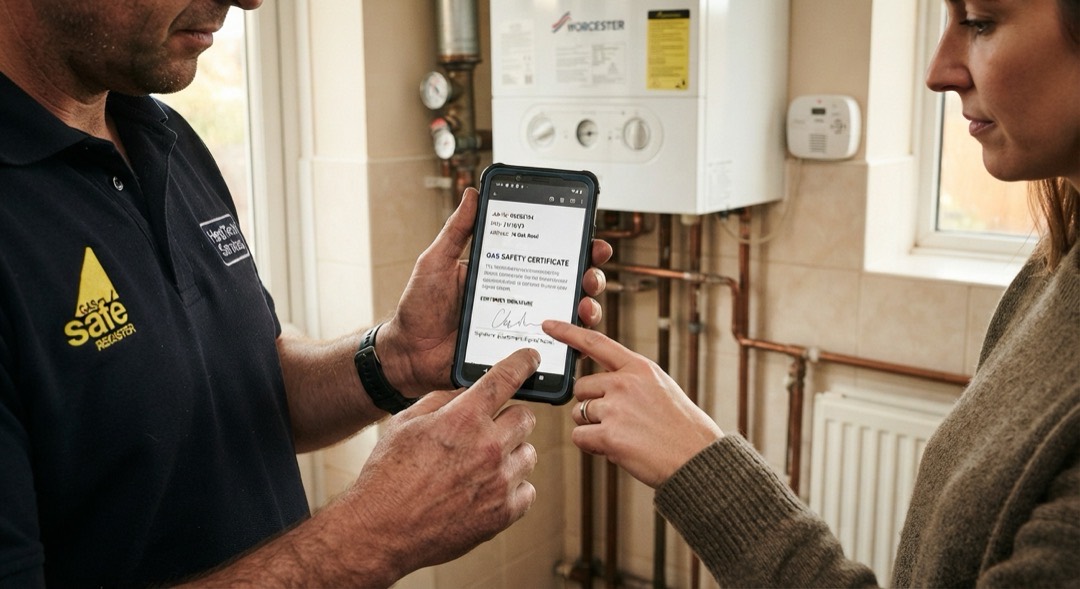
The customer signs on the screen. Report, certificate and photos leave your phone before you do.
Gas records · CP12
Landlord gas safety records (CP12) and gas service records are built into the app. Same appliance details, same readings, same safety checks you fill in now — the app does the totting up and the filing.
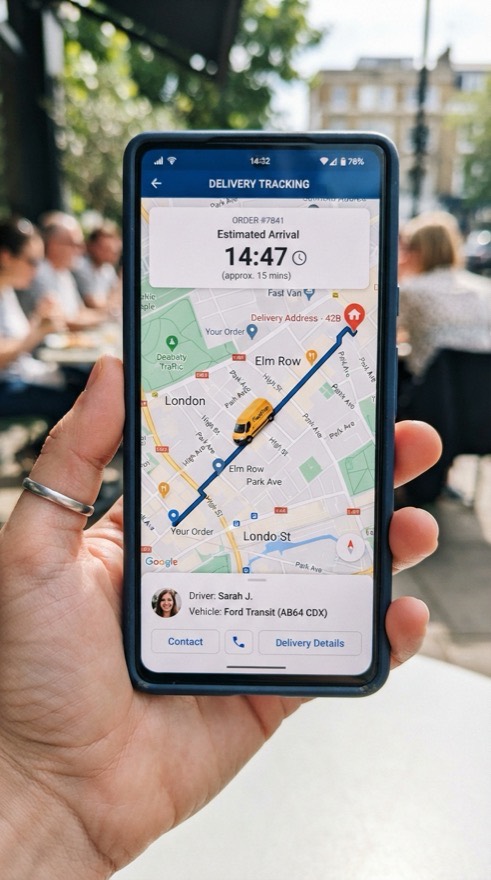
Every job gets a tracking link. The customer opens it in their browser — no app, no login, no account to make.
State 1 · on the way
Your position on the map and how many minutes out you are.
State 2 · arrived
The engineer is on site and the job is under way.
State 3 · finished
What was done, and what happens next if anything does.
For engineers · iPhone
Free, and free of adverts, upsells and timesheets.
Already working with us? Ask your manager for an invite and you can have it today.
 Scan for iPhone
For engineers · Android
The same app, same account.
Already working with us? Ask your manager for an invite and you can have it today.
 Scan for Android
No. The job is offered to the firm. The manager takes it, picks the day, and assigns the engineer. The engineer opens their phone and the work is there.
After an hour it moves to the next firm on the list. Nothing breaks and nothing is held against you — the job just goes elsewhere.
No. Your PlusHeat work lives in the app. The rest of your diary stays your business.
No. PlusHeat runs alongside what you use now. Your PlusHeat jobs live in the app. Everything else stays where it is.
No. Location is shared from the moment the engineer taps Start journey until they sign the job off. Not before, not after.
Tell us where you cover and what you are qualified on. We will come back to you with the work in your area.